HTML-CSS-learning
HTML and CSS Learning
My first steps in programming began in 2022. I took my first HTML course with Google Activate and studied HTML and CSS with OpenClassrooms. I learned to use a text editor for the first time, choosing VS Code, though learning the full developer environment took longer.
I continued learning. In 2025, I uploaded these projects from a folder on my computer to GitHub. By then, I had learned to use the terminal and version control, which I used to manage my changes and document where I started.
Now in 2026, I’m revisiting this project to learn how to work with AI in the loop and include it as part of my development process.
Introduction to Web Development: HTML-CSS on Google Activate
Course content
- History of the web
- How the web works
- How to write a web page
- How to publish a website
- How to write a proper web page
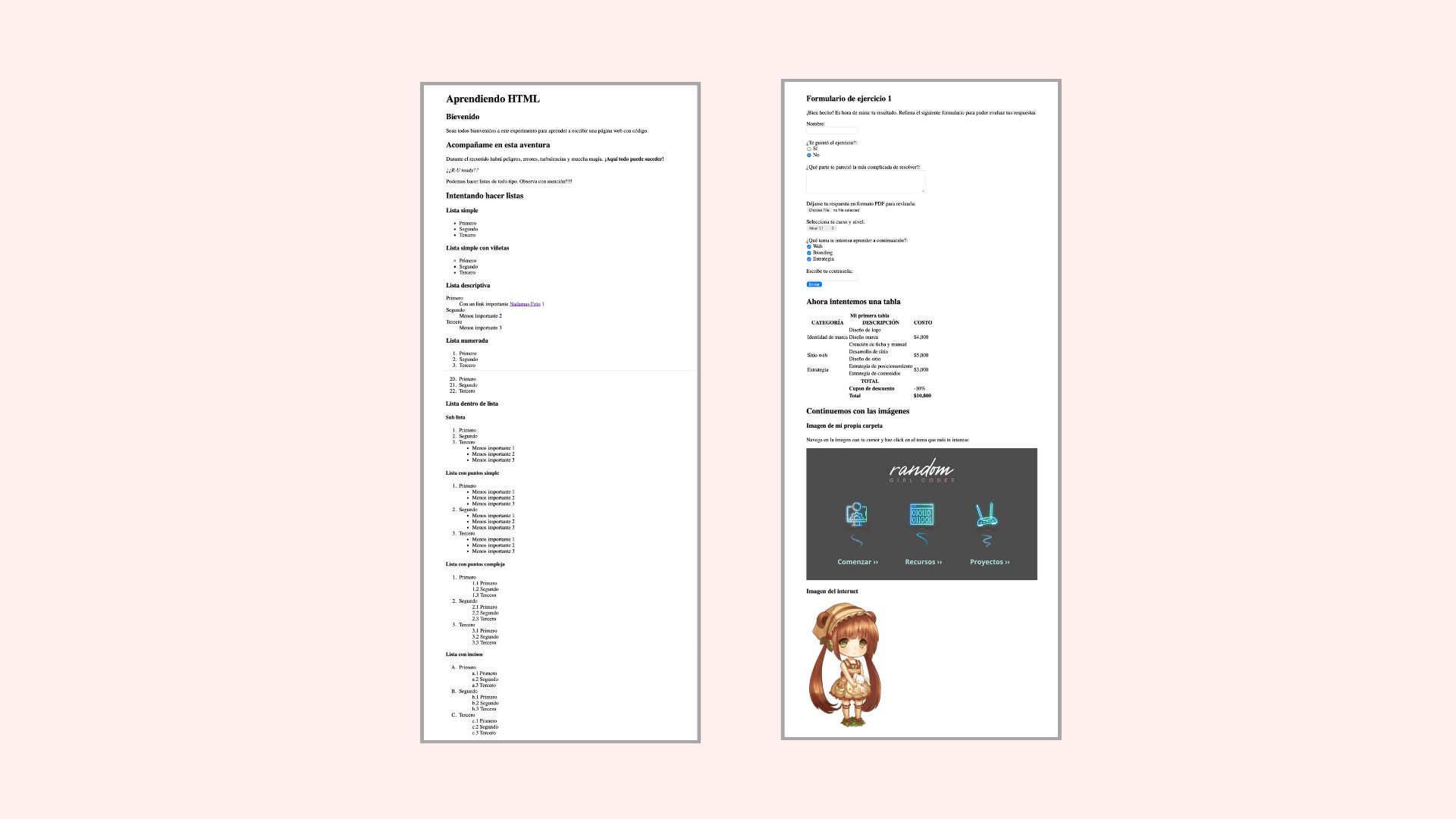
See HTML exercise, updated in 2025.
Project content
- Text tags and attributes
- List tags and attributes
- Form tags and attributes
- Table tags and attributes
- Images and image maps
2025 updates
- Added metadata to the document head.
- Created an image for the clickable areas.
- Fixed the clickable areas on the image.
2026 updates
- Improved the HTML structure, including the nested lists, table, image map, and form.
- Added clear form labels and grouped choices, corrected the course options, and configured the form for a file upload.
- Preserved the image’s proportions and adjusted its clickable areas. Corrected Spanish spelling and page metadata.
Build Your First Web Pages With HTML and CSS
Course content
- Introduction to HTML and CSS
- Create HTML text elements, block and inline elements
- Structure an entire page with semantic HTML
- Apply CSS to HTML elements
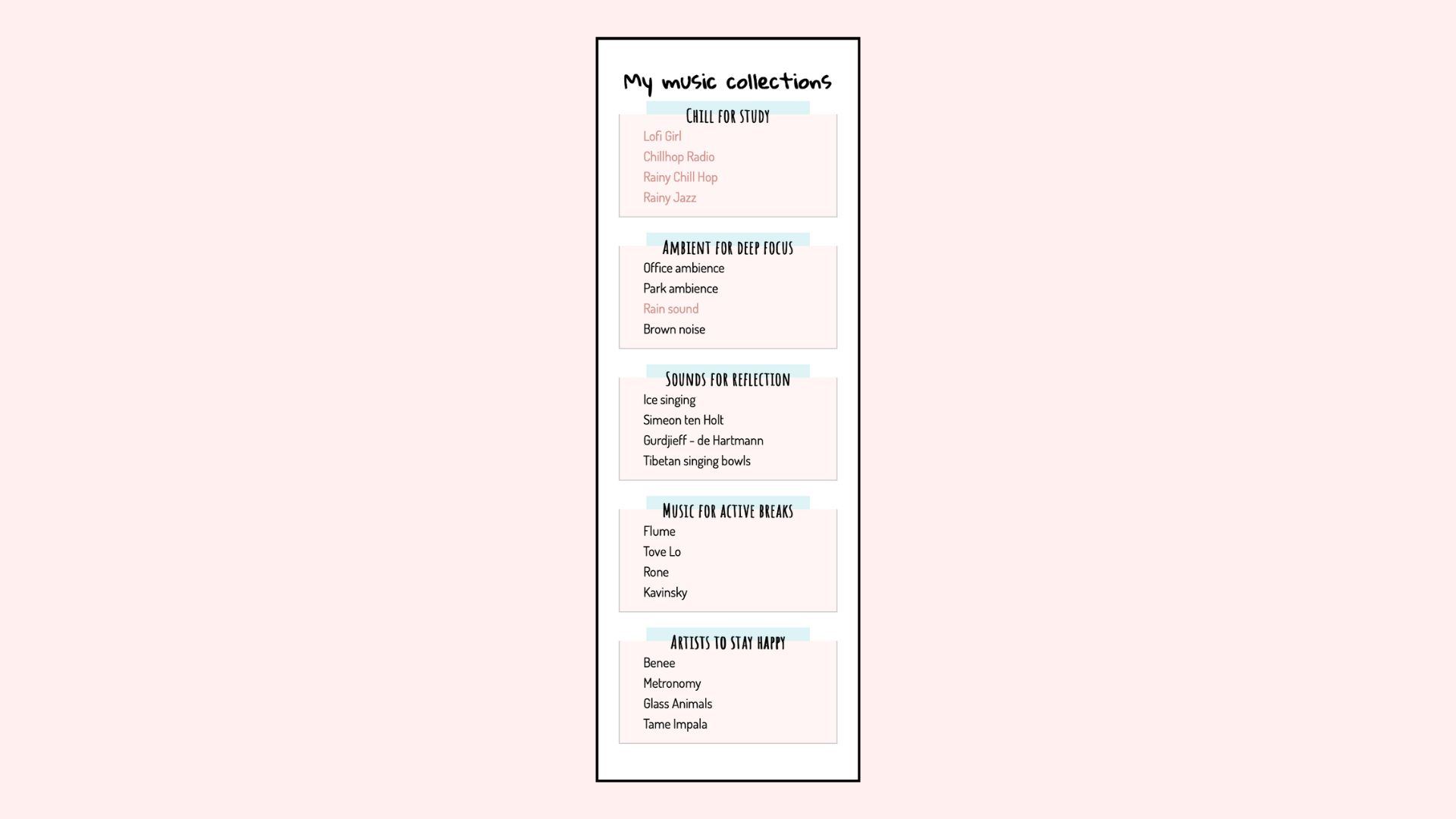
See CSS exercise, updated in 2025.
Project content
- Document outline
- Document structure
- Semantic HTML
- Lists and links
2025 updates
- Added metadata to the document head.
- Improved the semantic HTML.
- Updated the lists.
- Fixed broken links.
2026 updates
- Improved keyboard navigation in the music collection by applying the existing link styling to keyboard-focused links.